
BOSSCLUB55 Deposit Guide
Learn how a BOSSCLUB55 deposit is normally submitted, how to review the BC55 payment methods shown in your account and what to check before transferring funds.
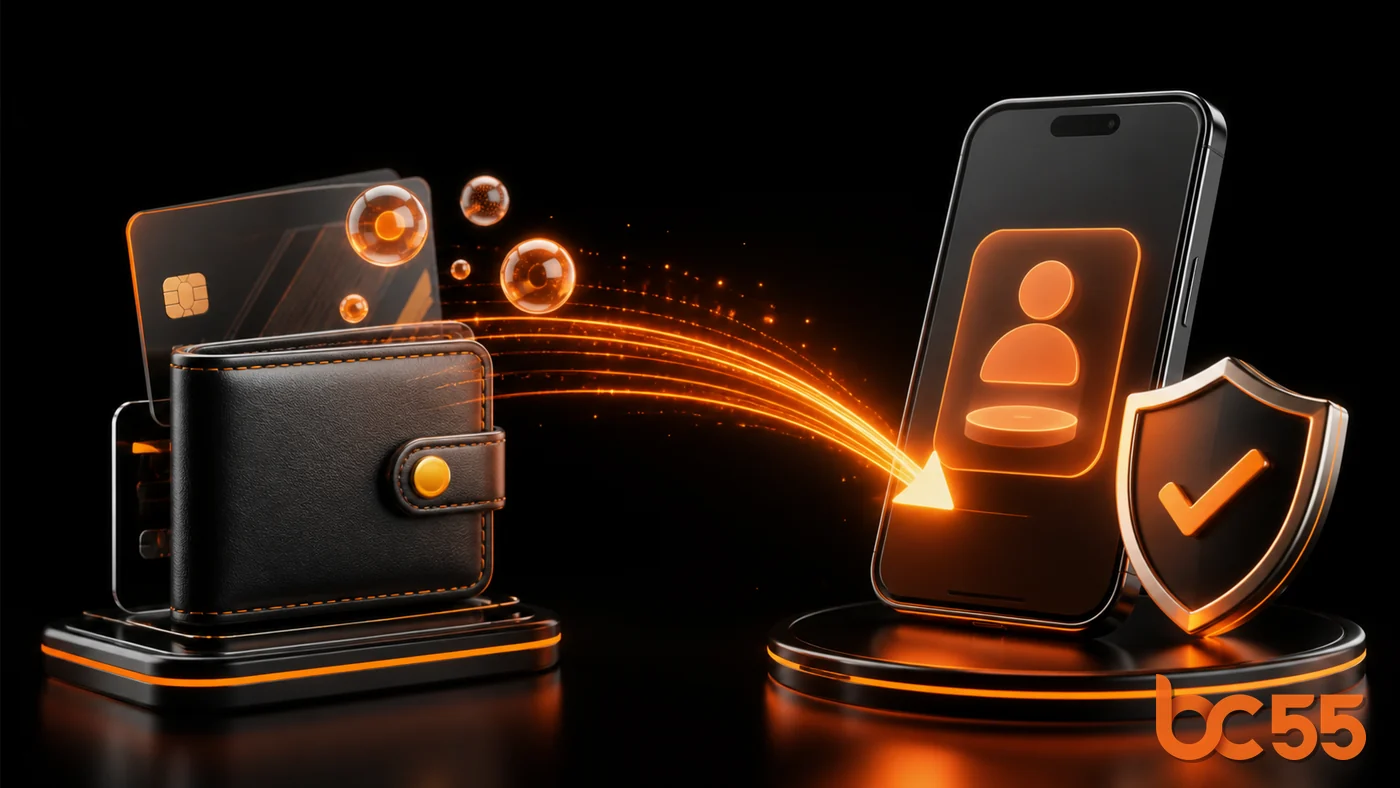
How to deposit at BOSSCLUB55
Sign in securely
Open the official BC55 account, choose Deposit and confirm that the displayed member name and currency are correct.
Select a payment method
Choose from the BOSSCLUB55 payment methods currently available to your account. Options, minimum amounts and processing times can change.
Complete and confirm
Follow the live recipient instructions, enter the exact amount and keep the receipt until the BC55 wallet balance has updated.
BC55 payment checks
Never send money to a recipient obtained from an unofficial chat or copied screenshot. Confirm the current banking or payment details inside the BOSSCLUB55 deposit screen for every transaction. Avoid repeating a transfer while an earlier deposit is still pending.
- Check the account currency and live deposit limits.
- Use a payment account that matches the verified member information where required.
- Keep the reference number and payment receipt.
- Contact official support before retrying a delayed or rejected transaction.
BOSSCLUB55 deposit FAQ
Which BC55 payment methods are available?
The methods displayed after sign-in are the current choices for that member account. Availability may include supported bank or electronic channels.
Why is my deposit still pending?
Bank processing, an incorrect reference or additional verification can delay an update. Keep the receipt and ask official support to review the transaction.
Should I transfer again if the balance has not updated?
Do not duplicate the payment immediately. Confirm the first transaction status with BOSSCLUB55 support.
Use the published support channel.